Show Clothing on a Model: A Product Photo Guide
Create an on-model clothing photo. A short visual guide to source images, colour, pattern and fit checks before publishing.
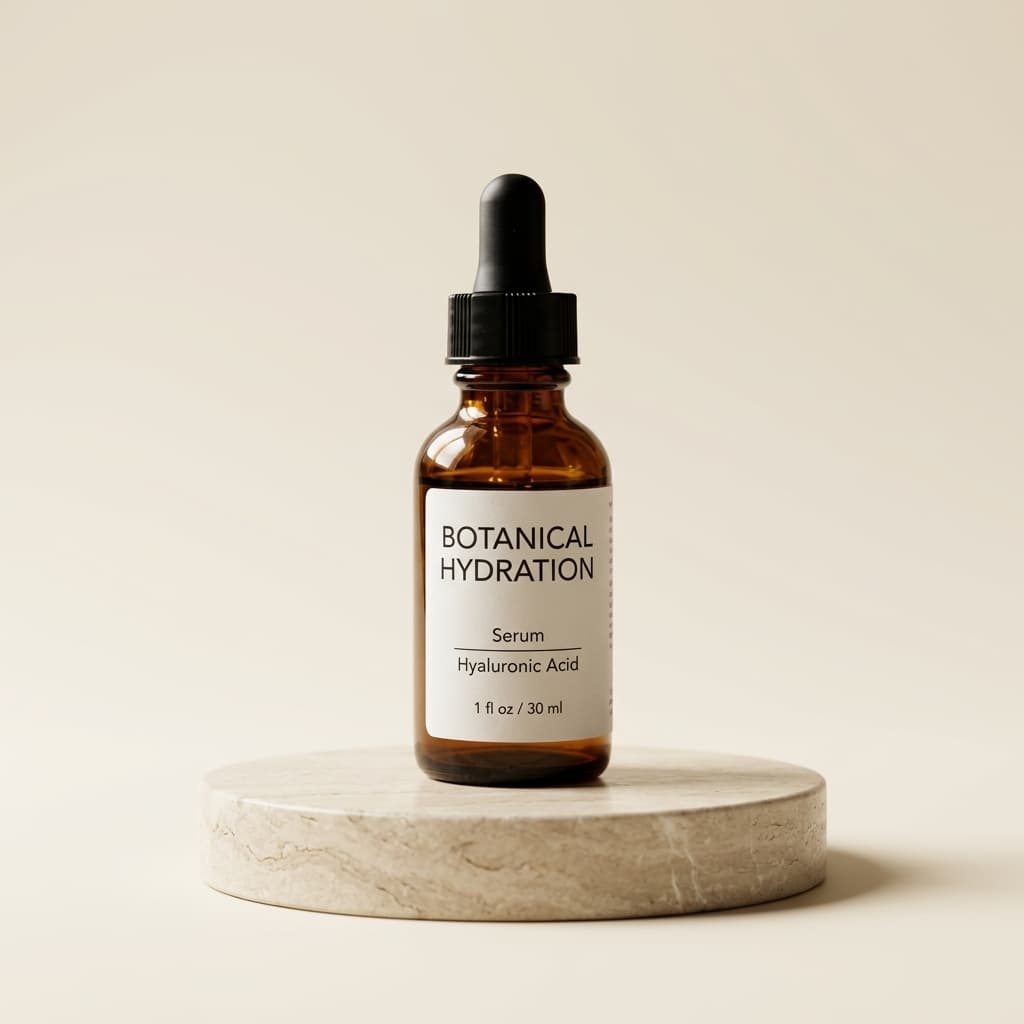
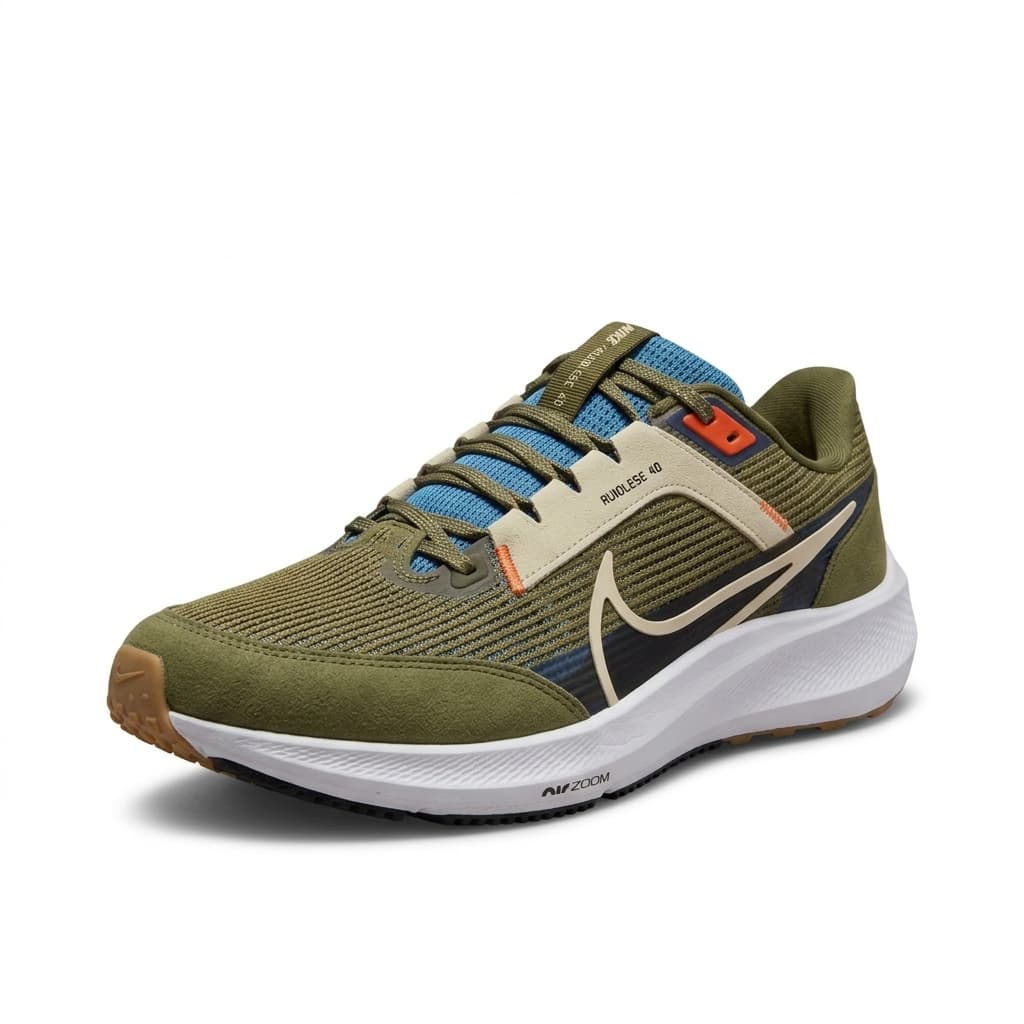
An on-model photo helps shoppers understand how a garment looks when worn. In Riseluc, upload your product photo together with a model photo you have permission to use. The image complements real product photos and your size chart; it does not show how the garment will fit every customer.
Prepare your photo
- Photograph the whole garment flat or on a hanger. Smooth wrinkles and keep sleeves, neckline and hem inside the frame.
- Show patterns and buttons clearly. Use daylight, and avoid filters that change the colour or shadows that hide details.
- Choose a model photo you own or have permission to use. Use a clear view of the body and pose.
Prepared examples
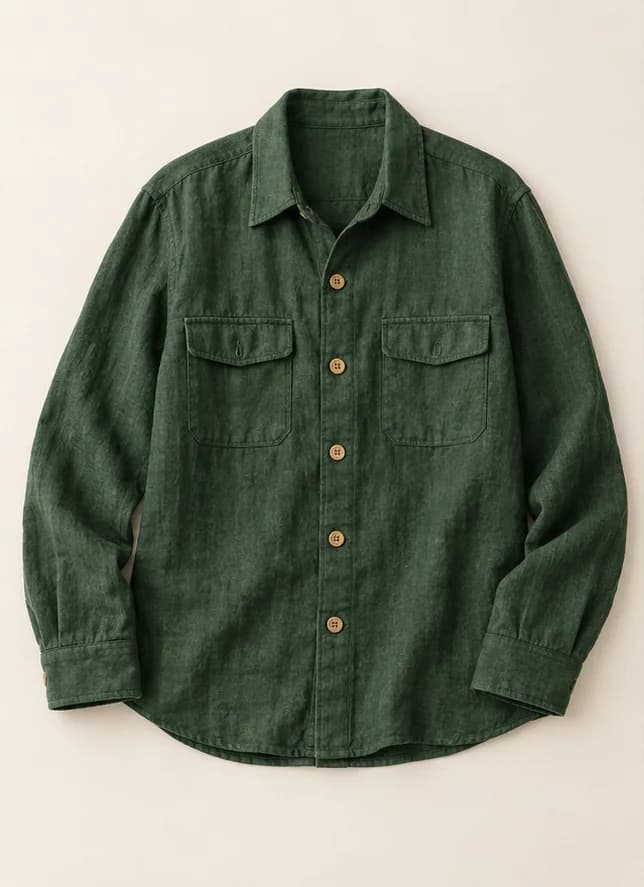
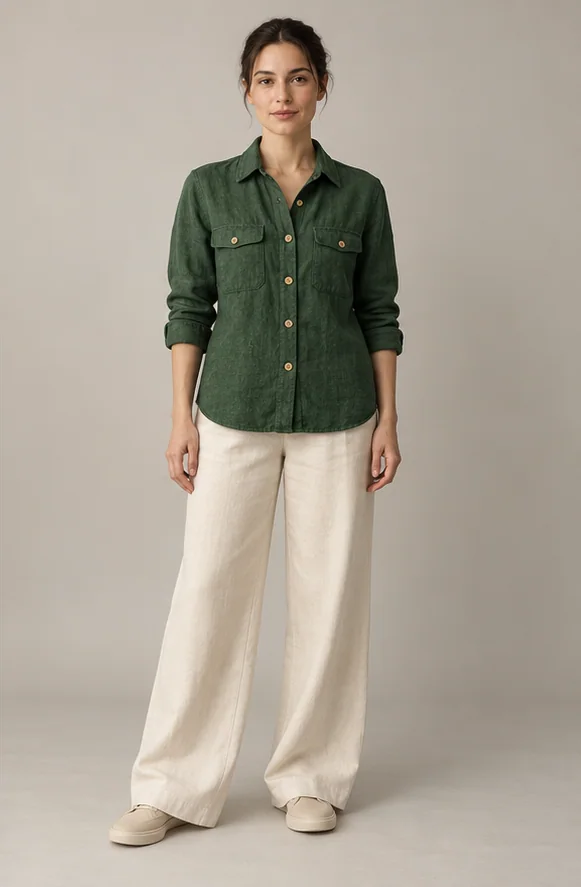
These are demonstration images. Your result depends on your original photo.
Three simple steps
- Upload the product photo in the studio, choose the clothing-on-model look and add your model photo.
- Create the image and compare it beside the original garment. Review the first result before using the approach on multiple products.
- Download an accurate result or send it to a connected store. Prepare each colour from a photo of the actual item.
Check before publishing
Zoom in to check colour, pattern, button count, sleeve length and fabric appearance. Do not publish an image with altered details. Write size and material information from real product data, never by guessing from the image. Check your store's category guidance too.
Example caption
Example: Green shirt — front view on a model. Use your own product name and colour; add measurements or fabric content only from verified information.