Prepare Product Photos for Amazon and Trendyol
Plan main photos, close-ups and product scenes. Prepare clear images for Amazon and Trendyol stores with a short visual checklist.
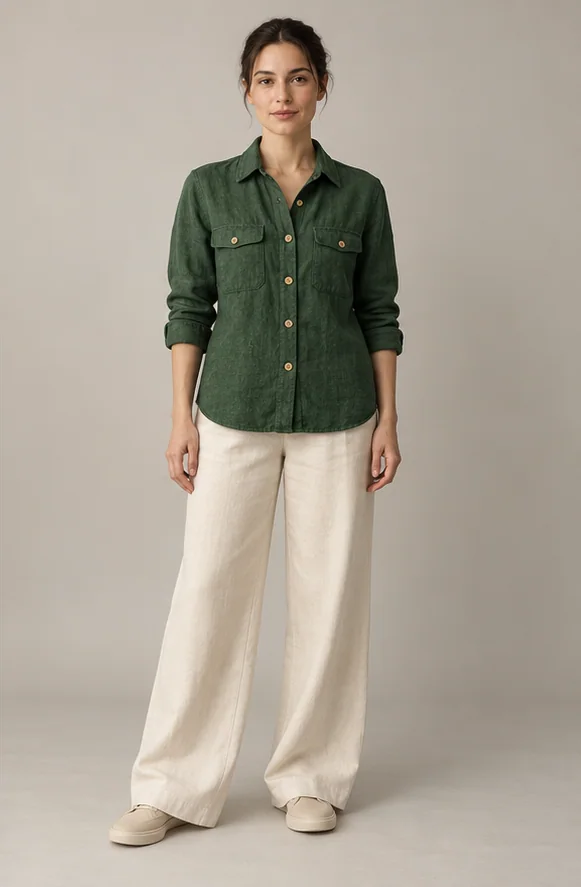
Each gallery image should answer a different question: What am I buying, what are the details, and how is it used? Keep the main photo easy to understand and use extra images for different angles and actual details. Before reusing one file on Amazon and Trendyol, check each store's category guidance.
Prepare your photo
- Choose a sharp photo of the actual product and correct colour option. Keep edges visible and avoid confusion over accessories not included.
- Photograph near a window with soft light. Hold the camera steady and take separate views of the front, back and important details.
- Organise files by product name and colour. Confirm the destination store, product and colour option before sending anything.
Prepared examples
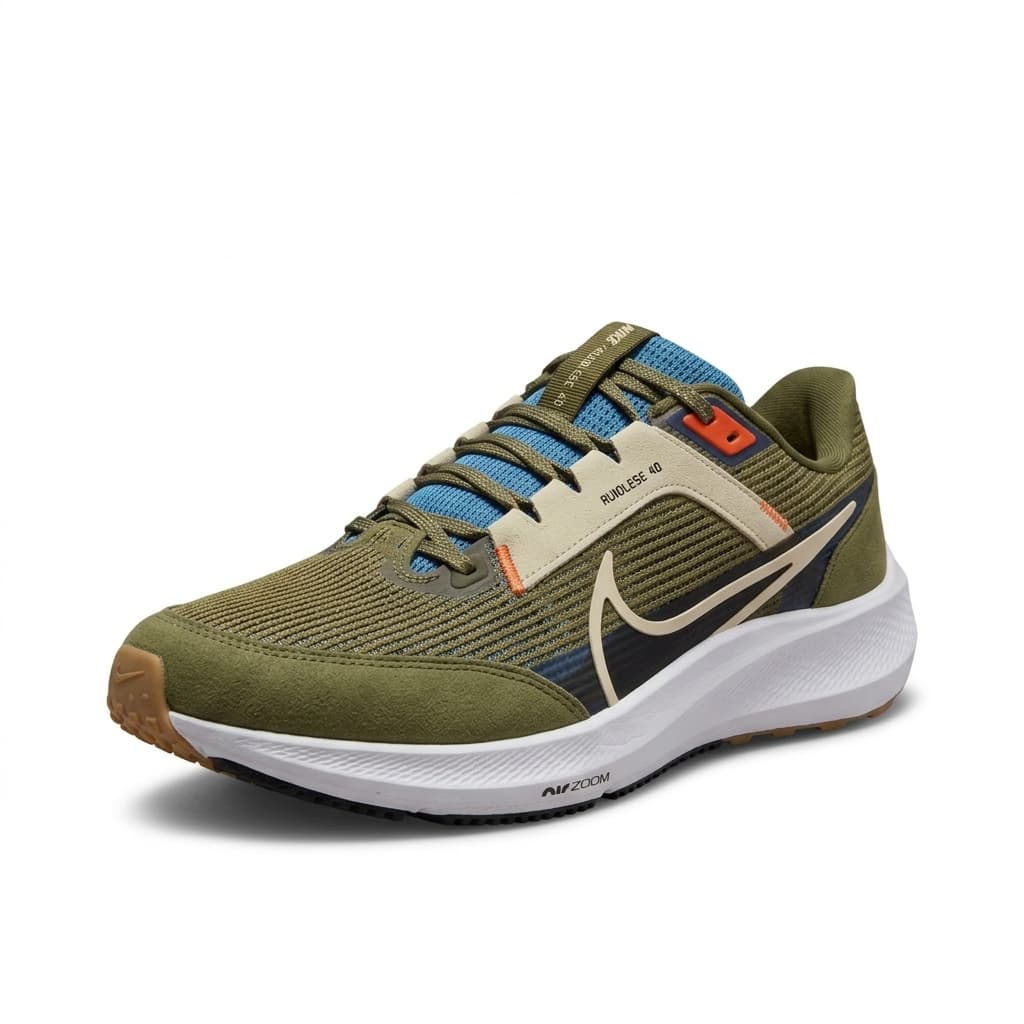
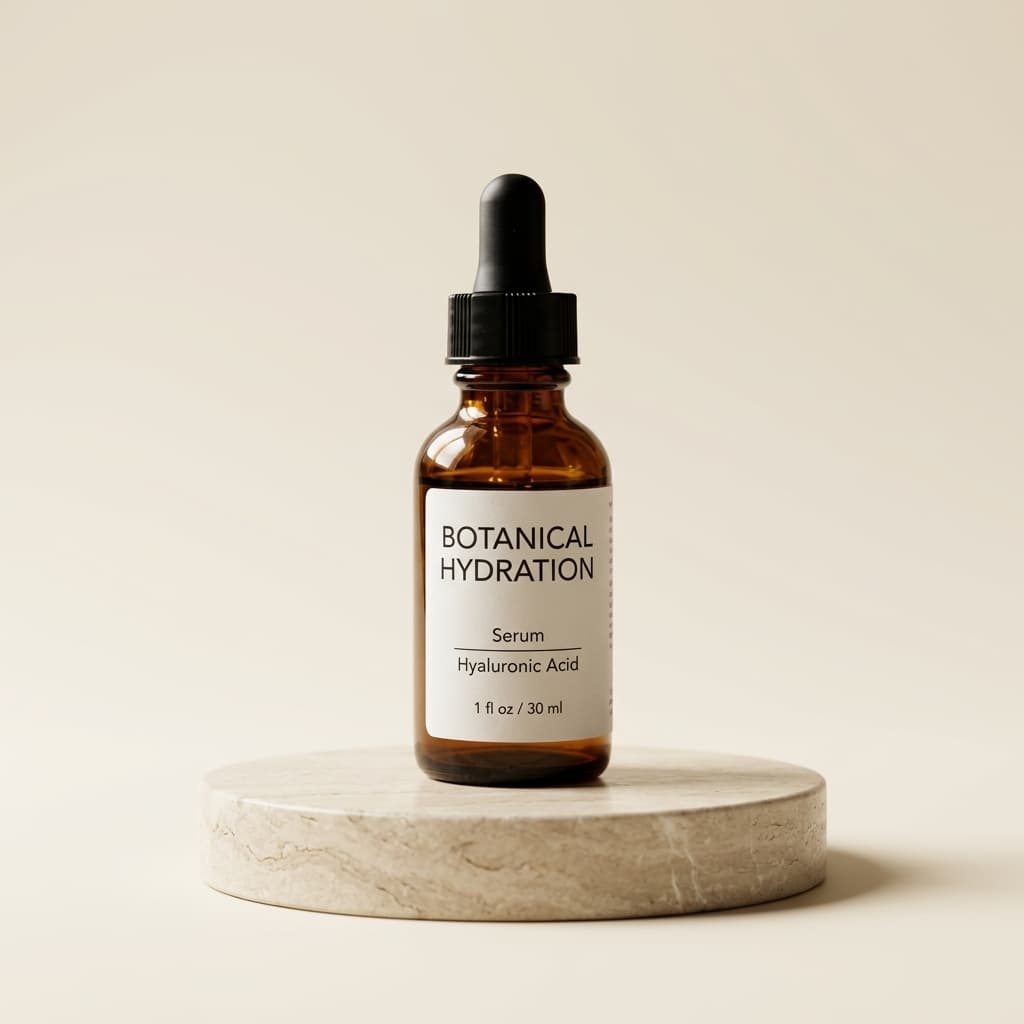
These are demonstration images. Your result depends on your original photo.
Three simple steps
- Upload the product photo to the studio. Choose a simple background for a main photo and a relevant scene for an extra image.
- Compare the result with the original. Adding a scene should not change the product's colour, size or included items.
- Download the photo or send it to a connected Amazon or Trendyol store. Also review the published product page.
Check before publishing
Check edges, writing and product details at full size. Use main images, scenes and close-ups for separate purposes. Marketplace requirements can vary by category; a studio look does not guarantee acceptance. Review image order before replacing existing photos.
Example caption
Examples: Sports shoe — outer side view. Serum bottle — simple presentation scene. Adapt names to your actual products and avoid unverified product claims.