Amazon and Trendyol Product Photos: Main Images and Final Checks
Choose main and extra photos for Amazon and Trendyol, preserve the real product, explore studio looks and check your category's upload rules.
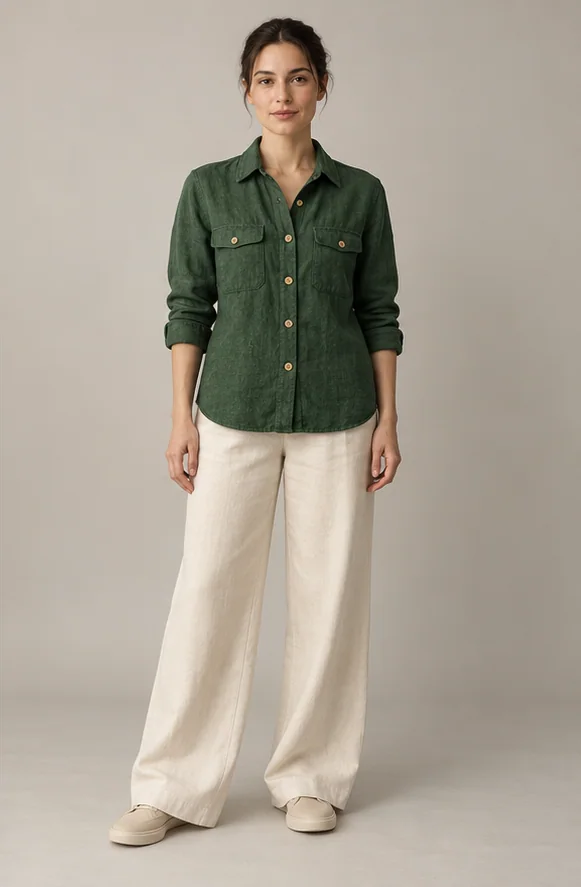
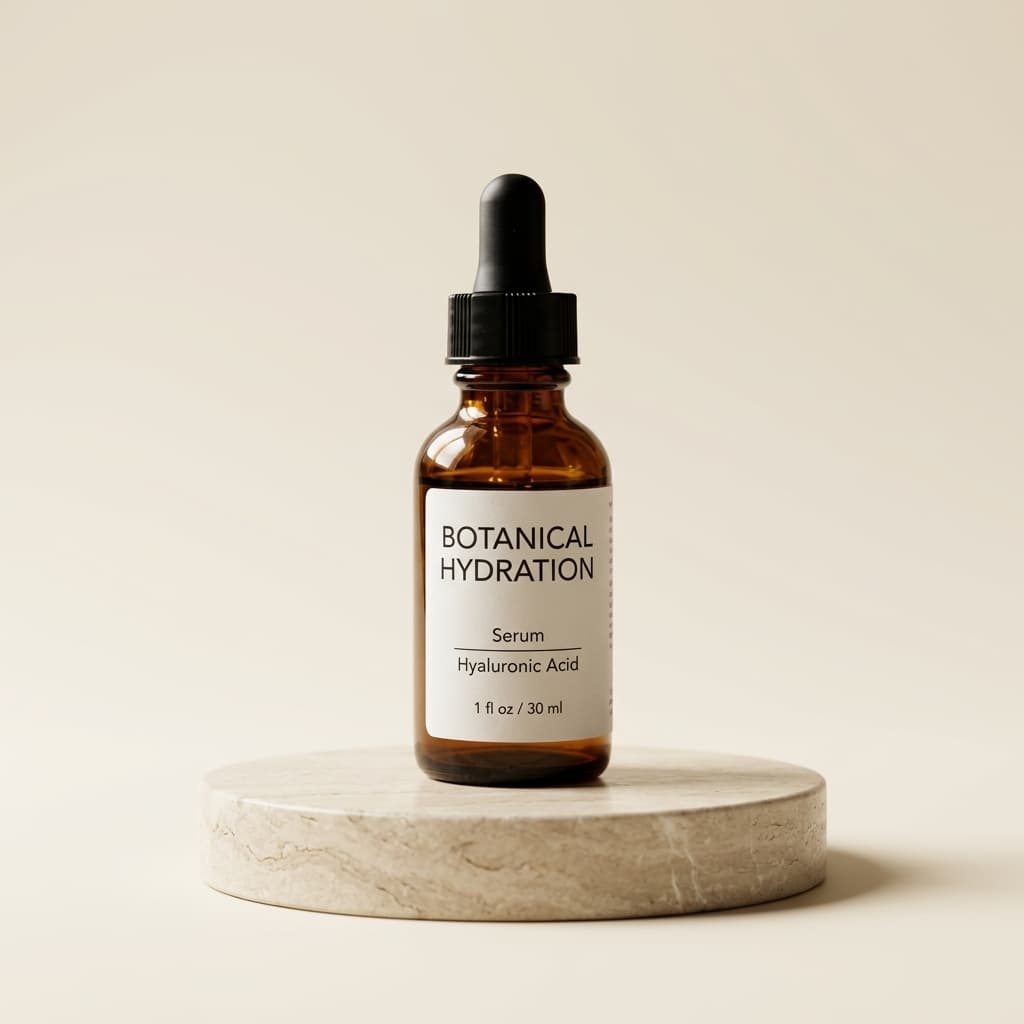
Give each photo a purpose when preparing an Amazon or Trendyol listing: the main image introduces the product, while extra images explain its details. Do not assume one file suits every category. Compare the photo with the real item and your store's current rules before publishing.
Show what is actually for sale
Keep the entire item clear and match the colour and version you sell. Amazon requires a white main-image background for many products; check your category too. Avoid promotional text, watermarks and accessories that are not included. For Trendyol, follow the category and upload requirements shown in your seller panel.
Choose extra photos around buyer questions
Show the back, stitching, closures or material details that buyers need to understand. Use an everyday scene or podium in suitable additional images. Compare clothing on a model with the real garment: colour, pattern, sleeves and fastenings must stay accurate. Explain parts that cannot be seen clearly in the product description.
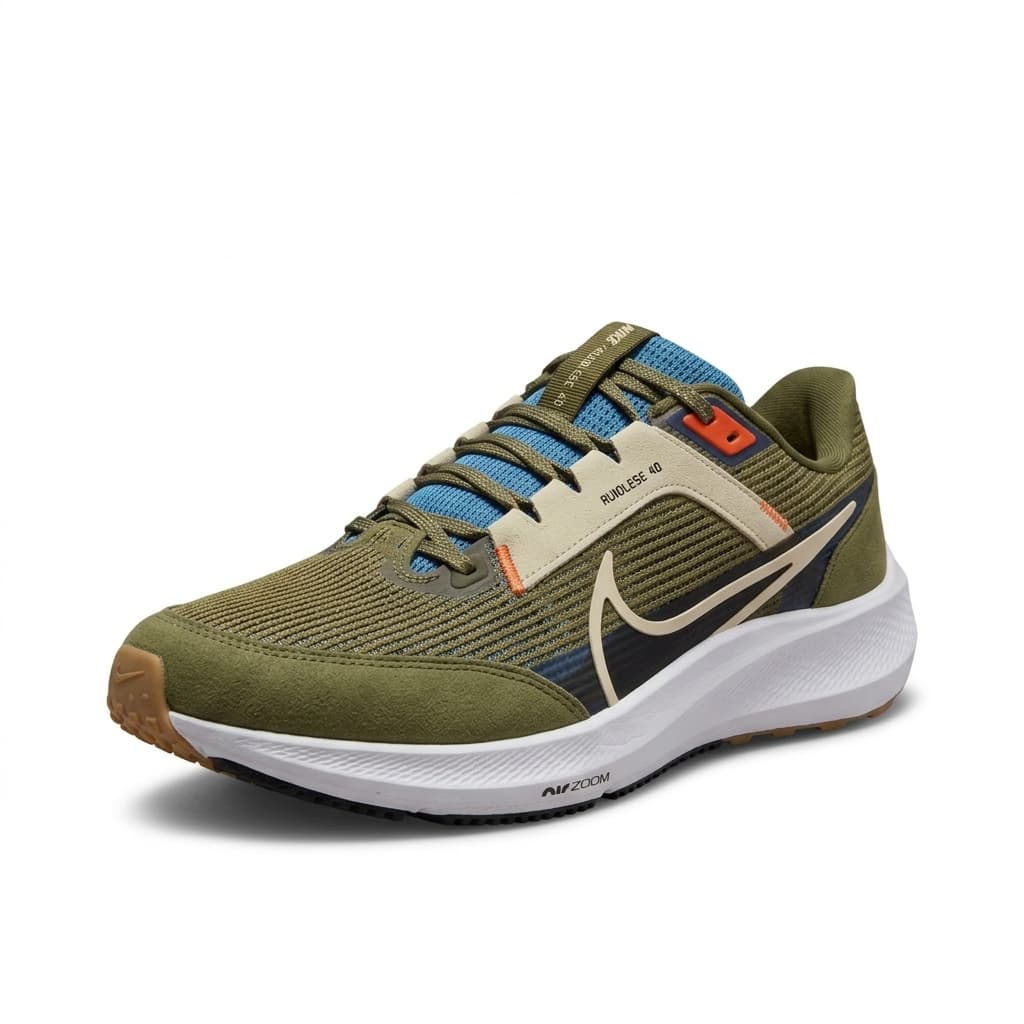
Prepare a look in Riseluc
Upload your product photo. For clothing on a model, also add a model photo you have permission to use. Choose a white or coloured background, podium, everyday scene, close-up or model look. Compare the result with the original, then download it or send it to your connected Amazon or Trendyol store.
Understand the photo packs
Packs contain 150, 500 or 1,500 photo credits and include the same studio features. Credits do not expire, and no monthly subscription is required. Each successfully prepared photo uses one credit. Check current prices on the studio page. Sending a photo to a store requires that store to be connected.
Check before and after publishing
Inspect colour, writing and fine edges at full size. Confirm dimensions and file requirements using official guidance and your seller panel; they can vary by category. After uploading, check cropping and image order on the listing. If an image is rejected, correct the issue stated by the marketplace before submitting it again.