Social media studio
Choose what to promote by your profit.





Calculated from settlement data · estimated on eMAG, Hepsiburada and n11
What to promote this week?
 Green shirtSuggested32% margin
- Skin serumNot suggestedLoss-making ▼ −₺8.74
What it does
- Problem
- Which product to post is often a guess: the most-liked product may be losing money or about to run out of stock. And once a discount ends, a post that still shows the old price misleads customers.
- Solution
- Riseluc ranks your products by net profit over the last 90 days, sales momentum, stock, return rate and rating; it does not suggest a product that is losing money, running out of stock or whose Buybox is held by a competitor. It prepares the image for the product you choose with your brand kit and current price; you do the posting.
- What you gain
- Start your posts and ads with a product that is profitable and in stock
- Prepare the image, text and Reels video for each product in one place
- No old price or expired discount left on the image
- See the estimated effect of a post on sales
One product, three formats
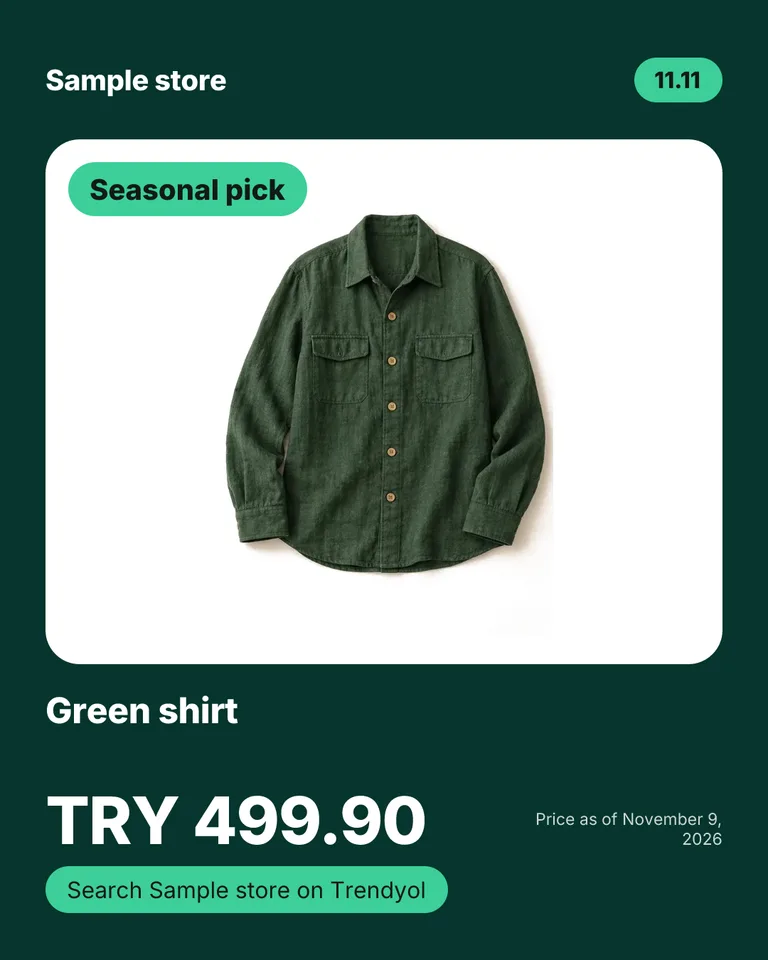
The same product is drawn with your brand kit as a post, a story and a square. The price comes from the product's current record; the discount badge appears only while the product is really on sale.
These images were made with Riseluc's image renderer for a sample store and a sample product.
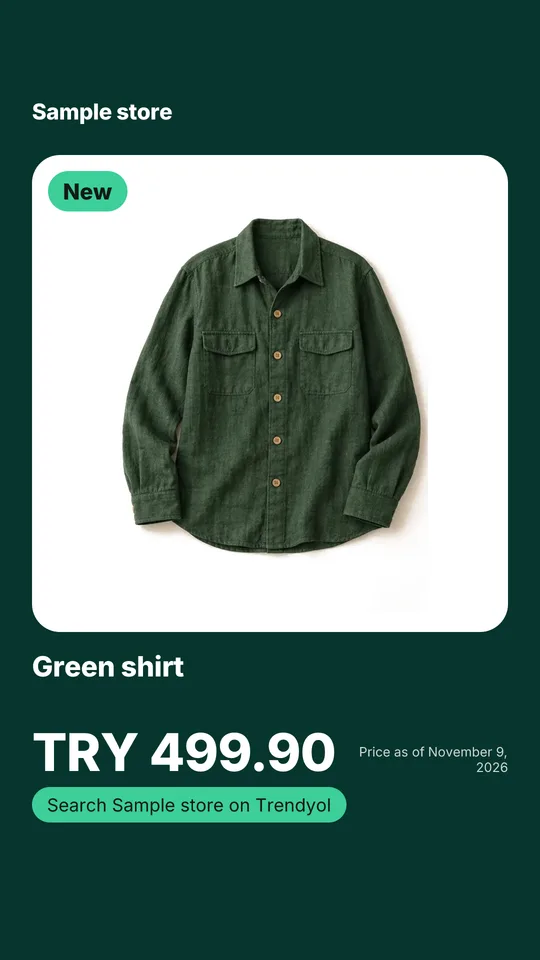
Story / Reels 9:16 Post 4:5 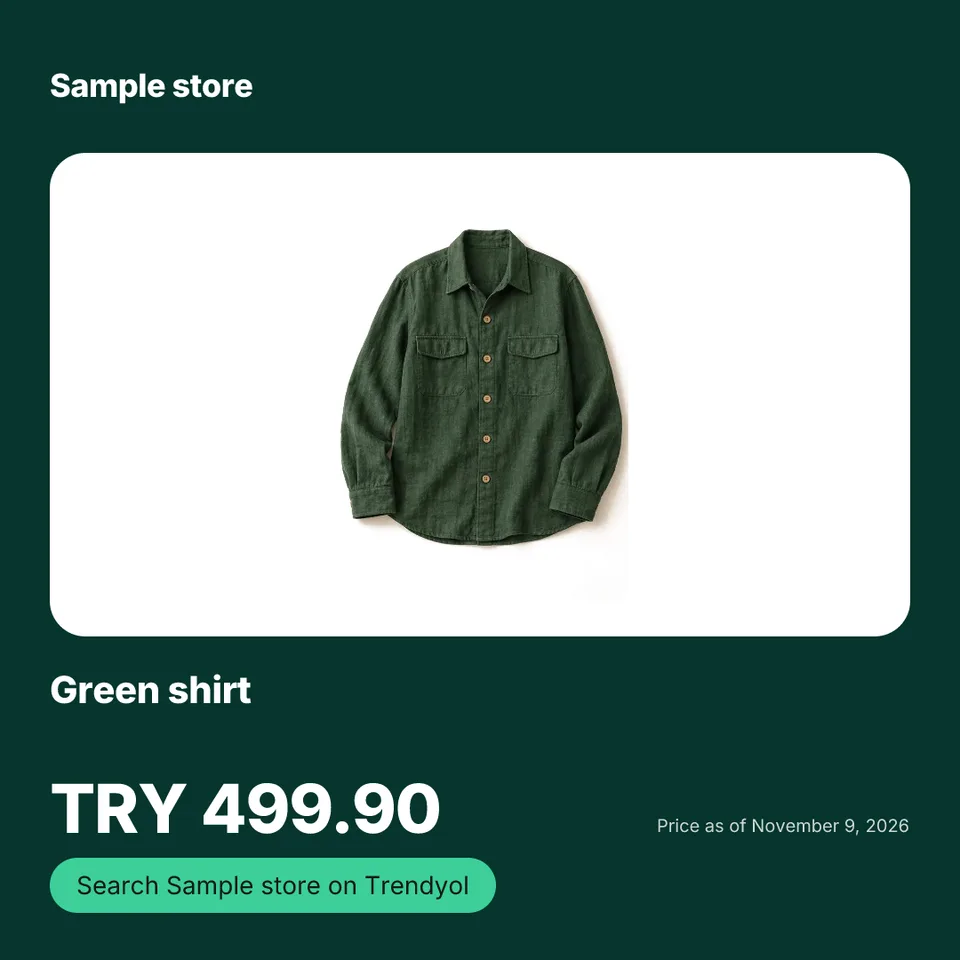
Square 1:1
How it works
- The “What to promote this week?” list gives each product a score out of 100 and says why. Products with unknown profit stay in a separate list.
- In the brand kit you enter your store name, logo, colors and font style once.
- You pick the template and format. The discount badge appears only if the product is really on sale, the Bestseller badge only if your sales data shows it.
- The upcoming dates calendar brings days like 11.11, Black Friday and New Year forward and shows, as an estimate, the largest discount that keeps each product profitable.
- Lucy drafts the post text (it uses your content allowance). A 9:16 Reels video of the same product is prepared with a studio credit.
- You download the image or share it from your phone. When you tap “I've shared it”, you see the estimated effect on sales 7 days later.
Related features
- Advertising resultsSee how ad spending affects your sales and profit.
- Product titles and search termsTitle and description suggestions for search, sent to the marketplace with your approval.
- Reports and weekly summaryAutomatically produces a 'what you earned and where you lost this week' summary; everything on one screen.
Frequently asked questions
Frequently asked questions about API integration, data encryption, and margin protection.
How is my profit calculated?
Net profit is calculated by deducting marketplace commissions, shipping fees, withholding tax and your product costs from the sale. Product profit on eMAG, Hepsiburada and n11 is estimated and clearly labeled in your dashboard.
Does the assistant make changes on its own?
No. The AI assistant uses approval gates; suggested price or inventory actions only apply when you confirm them. The same goes for Lucy automations: commission, stock, question and Buybox suggestions wait for your approval under “Waiting for you”; the only thing sent on its own is the morning summary email.
Which marketplaces does it work with?
Riseluc integrates with Amazon, Trendyol, eMAG, Hepsiburada and n11. Store data and price updates flow through official APIs; available features vary by marketplace.
Do I need technical skills to set up?
No. Just enter your marketplace API credentials. The first products arrive within a few minutes; orders and settlements follow with the first automatic syncs. Enter your product costs to see profit.
Is it safe to connect my store?
Yes. Each store connects through its marketplace's official API (Amazon through OAuth authorization). Credentials are encrypted with AES-256; we never access your bank accounts or payment passwords.